HowTo: Upgrade your Delivery Controller to Citrix XenApp 7.18

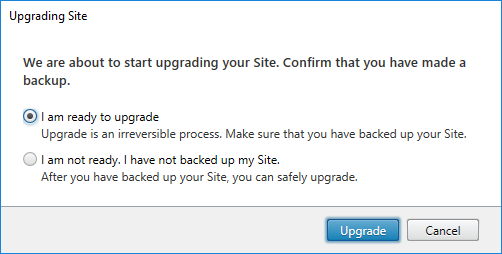
In this post we will upgrade our Citrix XenApp Delivery Controllers to version 7.18.

On June 9th, 2018 the Citrix XenApp Current Release was updated to version 7.18:

In this blog post I’m describing the upgrade path for the Delivery Controller.

My environment:

  • Two Delivery Controller 7.15.0 on Windows Server 2016
  • MS SQL Database is on a separate SQL Server 2014

The Official Upgrade guide by Citrix: https://docs.citrix.com/en-us/xenapp-and-xendesktop/current-release/upgrade-migrate/upgrade.html

Download: https://www.citrix.com/downloads/xenapp-and-xendesktop/product-software/xenapp-and-xendesktop-718.html

What’s new: https://docs.citrix.com/en-us/xenapp-and-xendesktop/current-release/whats-new.html

Continue reading “HowTo: Upgrade your Delivery Controller to Citrix XenApp 7.18”
Unable to Delete Resources: There is currently an active background action

An addition to CTX138318 about how to delete an old Citrix Studio Hosting connection.
Instead of deleting every task manually we make use of PowerShell piping and Out-GridView.

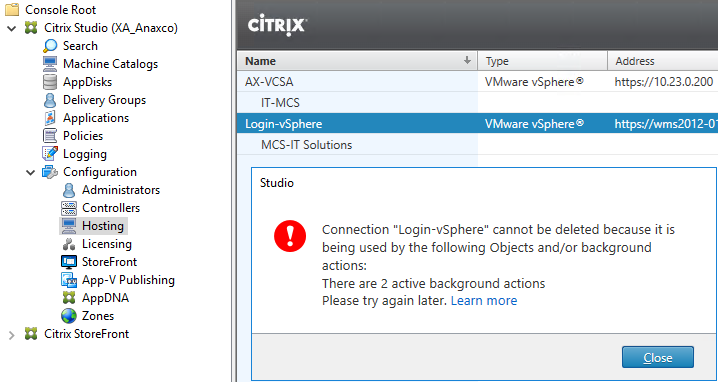
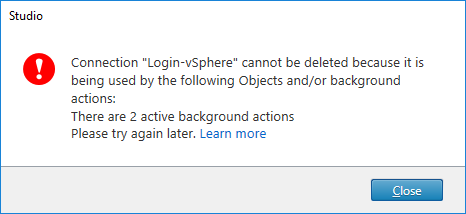
Today in Citrix Studio I discovered a dead Hosting connection I set up years ago for some MCS tests. When I tried to simply delete the connection, I received the following message:

The error message leads to the following (helpful!) KB article: CTX138318

Continue reading “Unable to Delete Resources: There is currently an active background action”

ICYMI: A few notes about the Citrix Receiver Clean-Up Utility

The Citrix Receiver Clean-Up Utility is no longer needed, as it’s part of the CitrixReceiver.exe nowadays.

The Citrix Receiver Clean-Up Utility has been my biggest friend for a while. It helps you to recover broken Citrix Receiver installations on Microsoft Windows. Before I knew it, I sometimes even reinstalled Windows to get Citrix Receiver back to work. Good old days.
But after many years a trustful friendship came to an end. Citrix included the functionality of the Receiver Clean-Up Utility into the Citrix Receiver Setup a while ago. Continue reading “ICYMI: A few notes about the Citrix Receiver Clean-Up Utility”

HowTo: Update Citrix Workspace Environment Management from 4.x to 4.4 (v4.04.00.00)

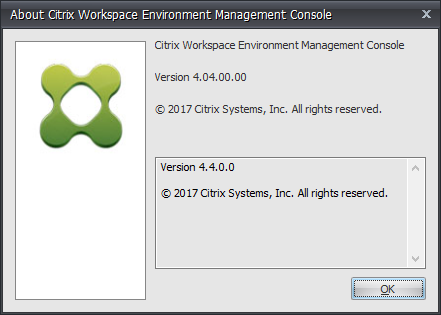
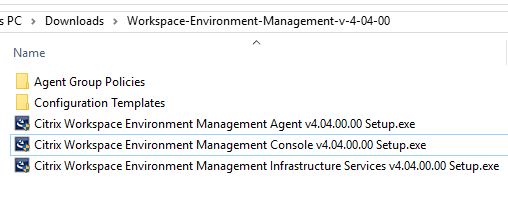
A short HowTo about the Citrix WEM Upgrade process for version 4.4

Download Citrix WEM 4.4 (v4.04.00.00) here:
https://www.citrix.com/downloads/xenapp-and-xendesktop/components/workspace-environment-management-44.html

What’s new:
https://docs.citrix.com/en-us/workspace-environment-management/current-release/whats-new.html

Continue reading “HowTo: Update Citrix Workspace Environment Management from 4.x to 4.4 (v4.04.00.00)”

Fix: Google Chrome Enterprise 58.0.3029.96 breaks on XenApp 6.5 / Windows Server 2008 R2 – UPDATE

Fast published to help everyone else, so sorry for any typos or grammatical errors! ty

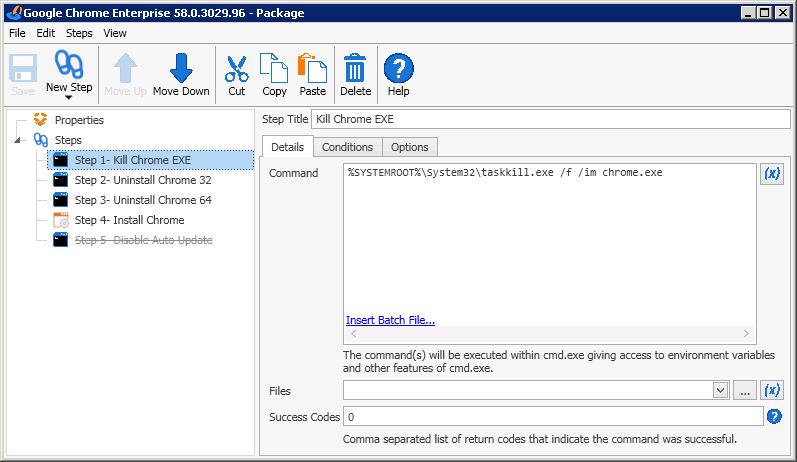
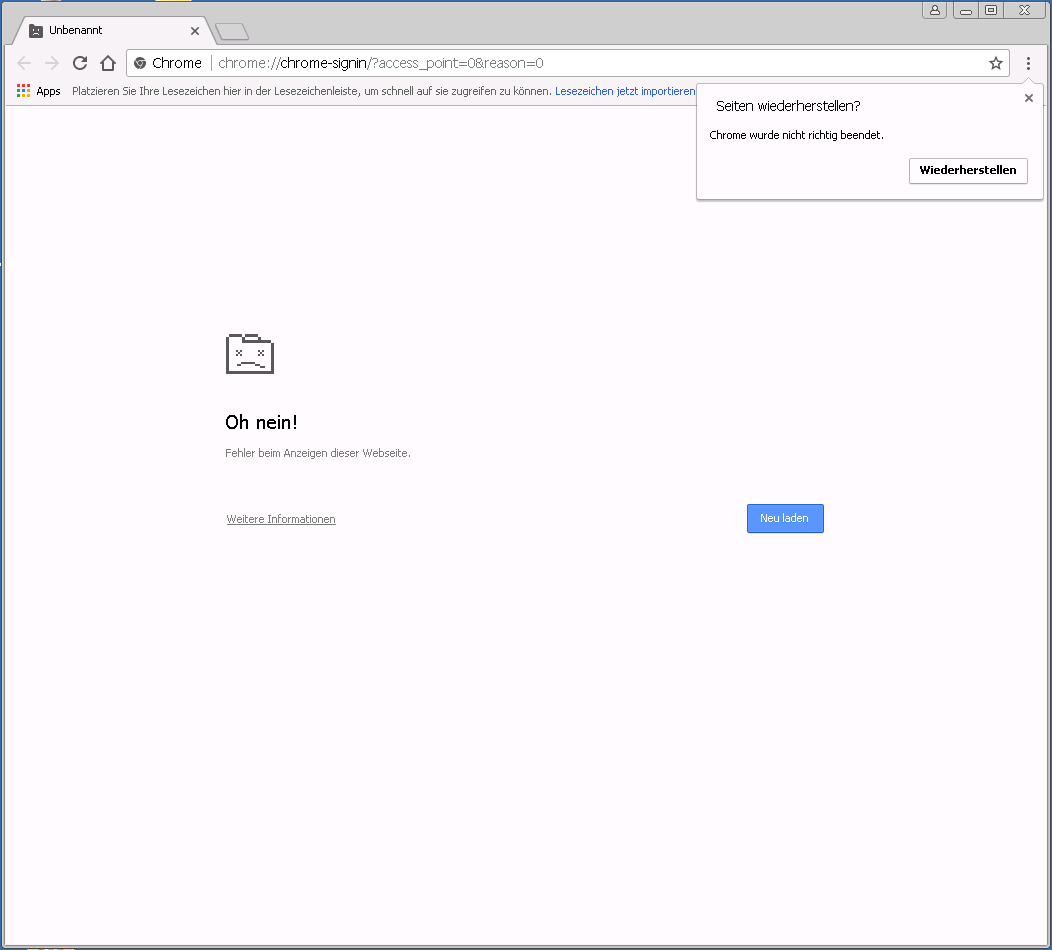
On Tuesday the 2nd May 2107 Google published a new update for Google Chrome Enterprise 58.0.3029.96. After this update, nearly all of our XenApp 6.5 customers informed us, that Google Chrome stopped working for them. The browser itself opens, but it never displays any content:

Continue reading “Fix: Google Chrome Enterprise 58.0.3029.96 breaks on XenApp 6.5 / Windows Server 2008 R2 – UPDATE”