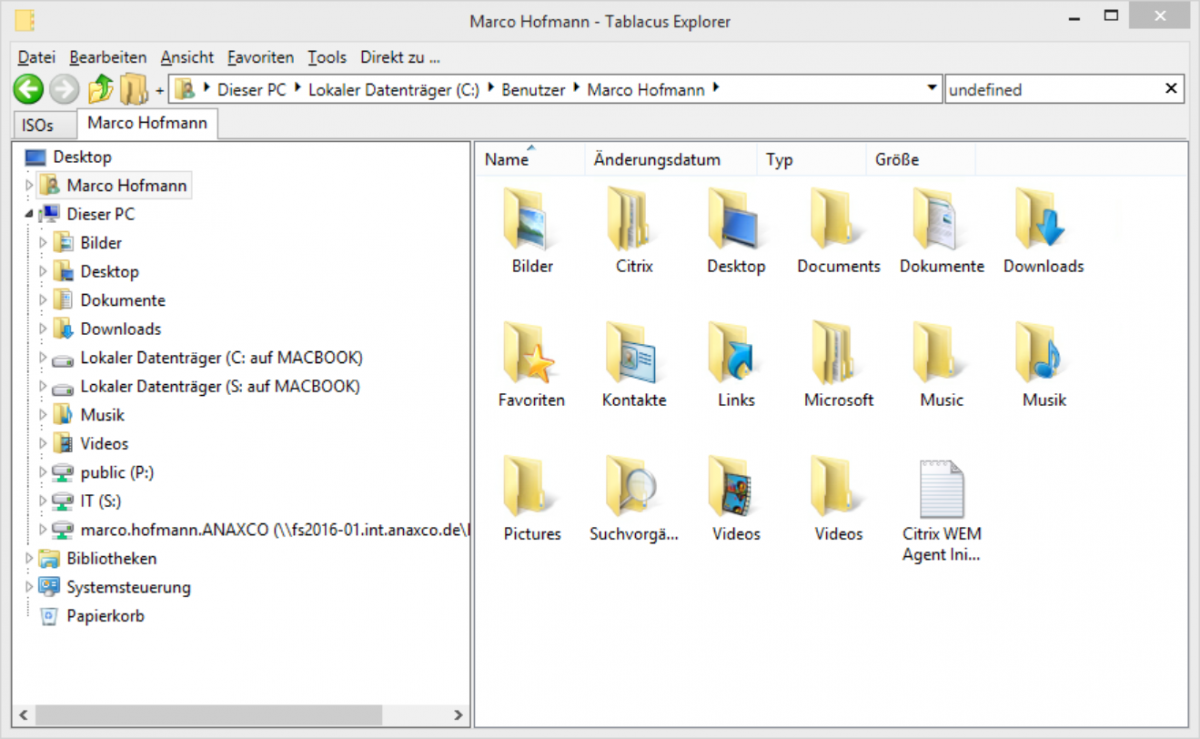
In XenApp projects you always face the challenge to decide whether to deploy a published Desktop or different published applications for the users. Many times you will have to use a combination of both. Especially in the published application use-case, you have to find a way to allow your users manage their files with a file explorer. This might not be a problem for Fat-Client users with their Windows 10 Notebooks inside the corporate LAN. Those can simply run their local file explorer and access smb shares.
Category: Citrix
How we use Classic Shell as a Start Menu replacement in XenApp
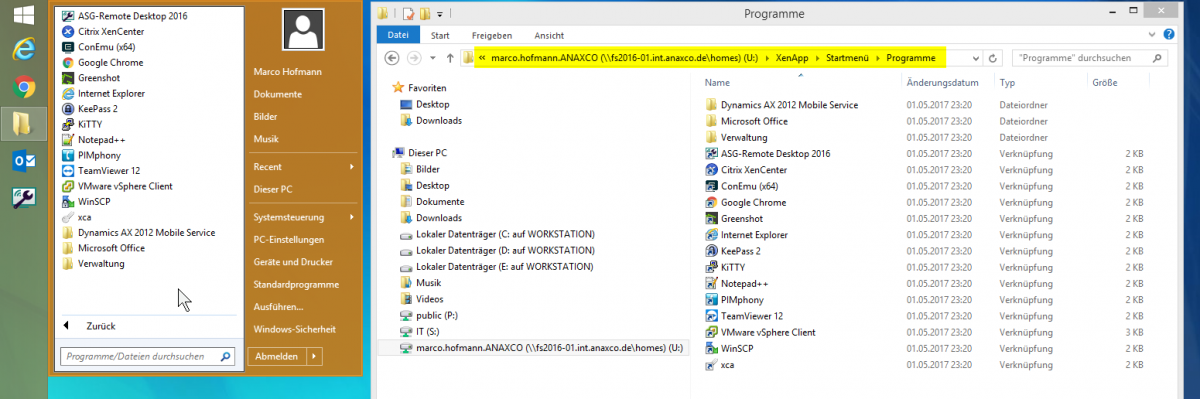
Ever since Windows 8 and Windows Server 2012 the Windows Start menu is dead to me. I tried a few times to use it, but horrible placement and the slow search function make it unusable. Many people say that this is no longer valid for Windows 10 and Windows Server 2016, and I agree that it has become a lot better, but i still don’t like it.
Besides my personal feelings, there are so many ridiculous problems with the Windows 10 Start Menu, that I must confess that I never even tried to deploy it enterprise ready. Examples:
- Citrix KB – Start Menu Layout Roaming on Windows 10
https://support.citrix.com/article/CTX222433 - Helge Klein on Twitter
https://twitter.com/HelgeKlein/status/840213186582323201 - Thomas Koetzing on Twitter
https://twitter.com/Koetzing/status/839007897111646208 - Blog from James Rankin
http://www.htguk.com/everything-you-wanted-to-know-about_23/ - And many many more…
Continue reading “How we use Classic Shell as a Start Menu replacement in XenApp”
Basic XenApp HDX 3D Pro Proof of Concept – What I missed
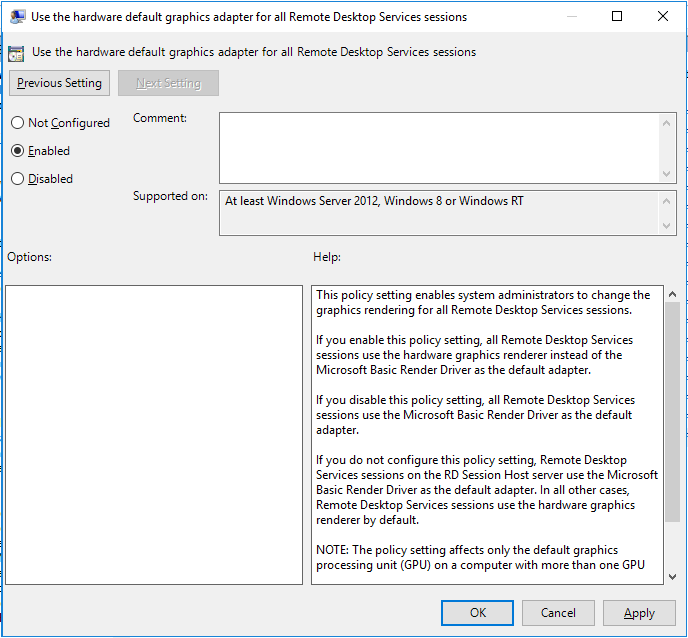
To proof the capability of XenApp to deliver 3D rendered applications, we build a very basic PoC. We took a used Lenovo ThinkCentre Tower PC with an Intel Core i5 and 4GB RAM and bought a used Nvidia Quadro 2000 for it. It is important to use a Quadro card, because this makes the driver installation much easier. We tried other cards in the first place, but it was just way too much work to get drivers for a Windows Server installation to work properly. Continue reading “Basic XenApp HDX 3D Pro Proof of Concept – What I missed”
Storefront Upgrade from 3.8 to 3.9 still forgets default IIS Site setting
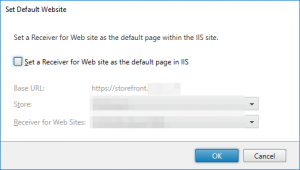
Yesterday I installed the upgrade from Citrix Storefront 3.8 to Storefront 3.9 on our Windows Server 2016 Delivery Controller (XenApp 7.12 -> 7.13). The setup went smooth, except that after the upgrade the default IIS website setting was turned off. Again.. Like the last time I did this..
I was told that this bug has been filed and will be fixed. But this hasn’t been the case yet.
bug is created to be fixed in the next release. Thnx again.
— ManbinderPalSingh (@ManbinderSingh) September 22, 2016
Simply turn it back on, I hope next time this will be solved.
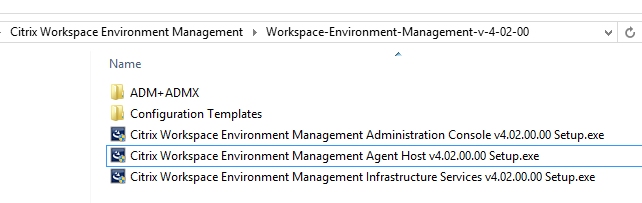
HowTo: Update Citrix Workspace Environment Management from 4.x to 4.2
A short HowTo about the Citrix WEM Upgrade process.
Download Citrix WEM 4.2 here:
https://www.citrix.com/downloads/xenapp-and-xendesktop/components/workspace-environment-management-42.html
Continue reading “HowTo: Update Citrix Workspace Environment Management from 4.x to 4.2”